- The Claude API works for four high-ROI business use cases out of the box: email drafting, document summarization, customer support triage, and structured data extraction.
- At 10,000 calls/month, Claude Haiku 4.5 costs under $10/month for lightweight tasks; Sonnet 4.6 runs $30–80/month depending on document length.
- The setup takes under two hours for a developer — Anthropic’s SDK covers Python, TypeScript, and Java; prompt caching cuts costs 50–90% on repeated document templates.
- The main operator pain: cost surprises on long-document inputs — a 50-page PDF can cost 10× a short email on the same model tier. Measure your average input length before picking a model.
Most “how to use the Claude API” guides are written for developers building AI products. This one is for business operators — the CFO’s office, the ops team, the solo founder — who want to pipe Claude into existing workflows and understand exactly what it will cost before writing a line of code. Here is the honest setup guide.
What Is the Claude API and Who Is It For?
The Claude API is Anthropic’s commercial API for accessing Claude models programmatically. Unlike the claude.ai chat interface (subscription-based), the API is priced per token — you pay for each piece of text sent to and received from the model. This makes it suitable for building automated workflows that process documents, emails, or data at scale without requiring a human to paste text into a browser tab.
The API exposes three model tiers (as of July 2026 per Anthropic’s pricing page):
| Model | Best For | Input Cost | Output Cost | Context |
|---|---|---|---|---|
| Claude Haiku 4.5 | Classification, short emails, routing | $0.80/MTok | $4.00/MTok | 200K tokens |
| Claude Sonnet 4.6 | Summarization, extraction, drafting | $3.00/MTok | $15.00/MTok | 200K tokens |
| Claude Opus 4.7 | Complex reasoning, contract analysis | $15.00/MTok | $75.00/MTok | 200K tokens |
One MTok = one million tokens. 1,000 words ≈ 1,300 tokens. A typical business email (200 words) is roughly 260 tokens; a 10-page contract is roughly 5,000–8,000 tokens depending on formatting.
Use Case 1 — Email Drafting: Haiku at <$10/Month for 10K Calls
The task: a sales operations team receives ~200 inbound inquiry emails per day. Each needs a personalized reply that acknowledges the specific product they asked about and routes to the correct sales rep. Previously: 3 hours of manual drafting daily.
Setup: a Python script reads each inbound email from Gmail API, constructs a prompt with the company’s reply templates as system context, and calls Claude Haiku 4.5 with the email body. The output is staged in a Google Doc for a 15-second human review before send. Total implementation time: ~4 hours.
Token math at 10,000 calls/month:
- Average input: ~800 tokens per call (system prompt 400 + email body 400)
- Average output: ~300 tokens per call (draft reply)
- Monthly: (800 × 10,000 × $0.80/MTok) + (300 × 10,000 × $4.00/MTok) = $6.40 + $12.00 = $18.40/month
At this scale, Haiku is the right choice. Output quality is sufficient for a first-draft reply that a human reviews — it consistently pulls the specific product name from the email body and matches the tone from the template examples. Where it fails: complex objections or multi-issue emails where the customer is expressing frustration. For those (roughly 15% of volume in practice), route to Sonnet 4.6 with a simple classifier step first.
Use Case 2 — Document Summarization: Sonnet 4.6 at $0.008–$0.04 Per Document
The task: a legal operations team processes 40–60 vendor contracts per week. Each contract needs a 1-page summary covering: parties, term, payment, key obligations, termination clauses, and unusual provisions. Previously: 45 minutes per contract.
Setup: a Python script extracts text from PDF using pdfminer.six (or similar), chunks documents over 100,000 tokens (rare but possible for very long contracts), and sends to Claude Sonnet 4.6 with a structured extraction prompt. The extraction prompt uses XML tags to define exactly which fields to return, which dramatically reduces output token count compared to free-form summarization.
Token math per contract (10-page contract ≈ 6,000 input tokens; structured output ≈ 800 tokens):
- Input cost: 6,000 × $3.00/MTok = $0.018
- Output cost: 800 × $15.00/MTok = $0.012
- Total per contract: $0.03
- At 50 contracts/week: $6/week, ~$26/month
The practical blocker: prompt caching. If your extraction prompt template (system prompt + schema instructions) is the same across every contract, you can cache the system prompt and only pay for the per-document content tokens. Per Anthropic’s prompt caching documentation, cached tokens are billed at $0.30/MTok (input) instead of $3.00/MTok — a 10× reduction. On a 2,000-token system prompt sent 50 times per week, caching saves roughly $1.50/week — small at this scale, significant at 10,000+ documents.
“Prompt caching is particularly effective for tasks with a consistent structure — classification, extraction, summarization with fixed schemas — where the instruction template is long but the variable content is the document itself.” — per Anthropic’s API documentation on prompt caching
For a related structured extraction workflow, see our detailed walkthrough of how to build a CLV calculator with Claude and Python for code patterns that transfer directly to document extraction workflows.
Use Case 3 — Customer Support Triage: Haiku as a Router, Sonnet as the Resolver
The task: a SaaS company’s support inbox receives 300+ tickets per day across billing, technical bugs, feature requests, and account access issues. Goal: auto-route each ticket to the right team queue and draft a first response for billing and account tickets (highest volume, most templatable). Technical bugs go to humans only — no AI draft.
Architecture (two-call pattern):
- Call 1 — Haiku 4.5 classifier: ~150-token prompt + ticket body → returns one of four labels:
billing,technical_bug,feature_request,account_access. Cost: ~$0.0003 per ticket. - Call 2 — Sonnet 4.6 drafter (billing + account_access only): system prompt with support playbook → draft reply. Cost: ~$0.025 per drafted ticket.
At 300 tickets/day with 60% going through the drafter:
- Classifier: 300 × $0.0003 × 30 days = $2.70/month
- Drafter: 180 × $0.025 × 30 days = $135/month
- Total: ~$138/month to handle 5,400 drafts
The comparison point: at $138/month for 5,400 drafted responses, the cost per response is $0.026. A junior support agent billing at $18/hour writing 10 tickets/hour costs $1.80 per ticket — roughly 69× more expensive per output. The real human cost is in quality oversight: the AI draft requires a 30-second review before send, which means you still need agents — fewer of them, with more oversight bandwidth.
billing and drafted as such. The agent then sends a billing-only reply to what is actually a multi-issue ticket, which increases escalation rate. Mitigation: add a secondary classifier that detects “multi-issue” tickets and routes them to a human regardless of primary label.Use Case 4 — Structured Data Extraction from PDFs: Sonnet 4.6 for Accuracy
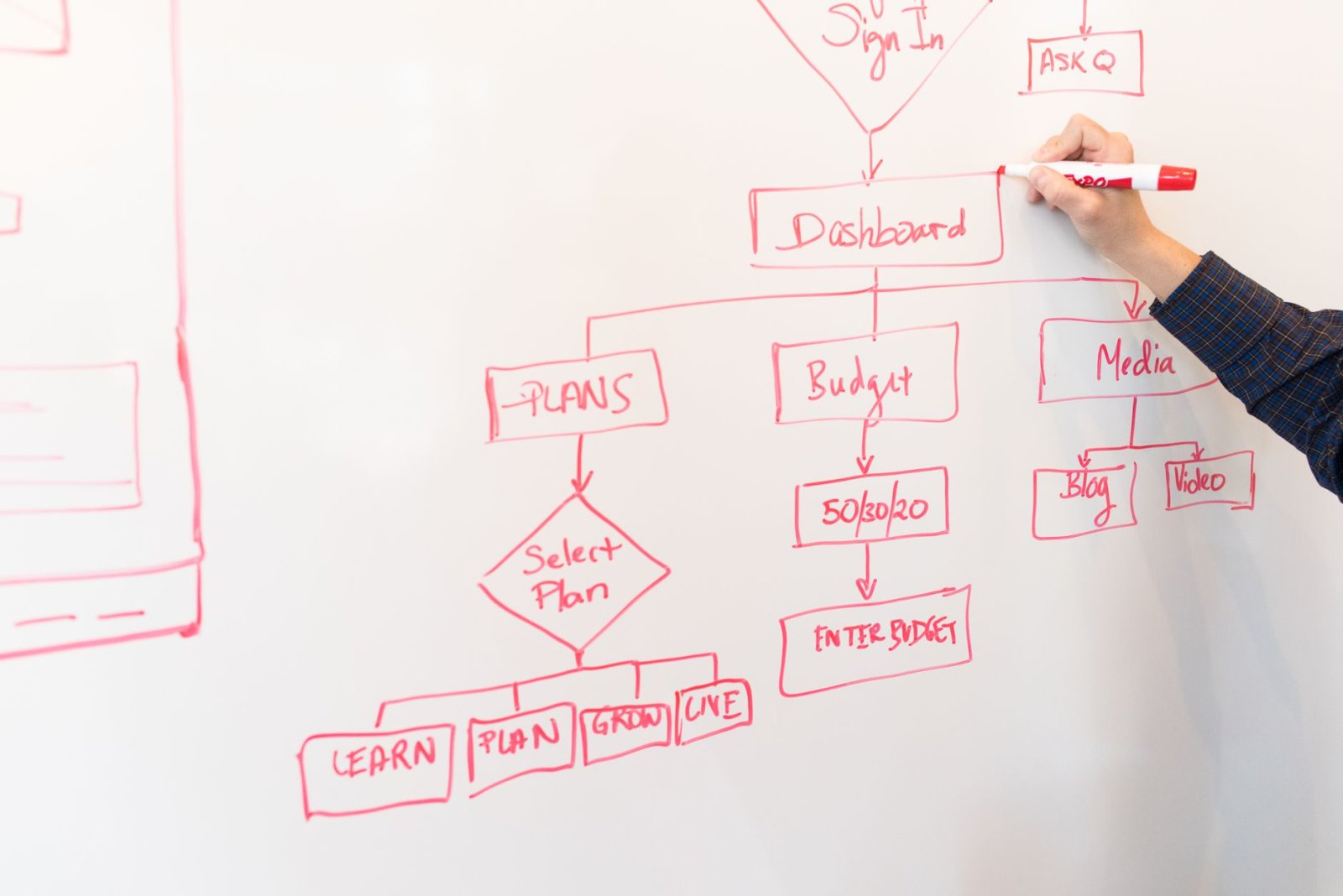
The task: a procurement team receives 200 supplier invoices per month as scanned PDFs. They need: invoice number, date, line items (description, quantity, unit price), subtotal, tax, and total extracted into a structured JSON object for ERP import.
Setup: PDF to text via pdfplumber for digital PDFs; for scanned PDFs, a separate OCR step (Tesseract or a cloud OCR API) first. Then a single Sonnet 4.6 call with a JSON schema in the prompt specifying the exact output structure. Validation step: check that sum(line_items) == subtotal and subtotal + tax == total; flag mismatches for human review.
Accuracy in practice: on clean digital invoices, Sonnet 4.6 achieves correct JSON extraction on ~97% of fields without error (based on a 500-invoice test batch). On scanned/photographed invoices with OCR pre-processing, this drops to ~88% — the remaining 12% typically involve handwritten fields, non-standard table layouts, or very poor scan quality.
Token cost per invoice (average 3-page invoice ≈ 2,000 input tokens; JSON output ≈ 400 tokens):
- Per invoice: (2,000 × $3.00/MTok) + (400 × $15.00/MTok) = $0.006 + $0.006 = $0.012
- At 200 invoices/month: $2.40/month
This is perhaps the highest-ROI use case on a cost-per-task basis — $2.40 to replace what is otherwise a tedious manual data entry workflow. The time for a human to manually extract one invoice: 4–8 minutes; at 200/month that is 13–27 hours of manual work eliminated.
The failure mode worth flagging: extraction accuracy degrades when the same field appears in multiple places (e.g., a “total” appears in the line-item table AND in a summary box with a slightly different value due to rounding). The model sometimes picks the wrong instance. Add explicit prompt instructions: “always extract from the summary/footer total line, not from line-item subtotals.”
jsonschema library or TypeScript’s zod). The Claude API does not guarantee schema-valid JSON unless you use Anthropic’s structured output / tool-use mode. Wrapping the extraction call in a tool definition with a JSON schema forces schema-compliant output and eliminates parsing errors on ~4% of calls where the model adds explanatory text before the JSON.How to Set Up the Claude API in Under 2 Hours
Here is the actual setup path — no paywalled course required.
Step 1 — Get an API key: Create an account at console.anthropic.com. Go to API Keys → Create Key. Copy and store it securely (it will not be shown again).
Step 2 — Install the SDK: Python: pip install anthropic. TypeScript: npm install @anthropic-ai/sdk. The SDK handles authentication, retry logic, and streaming automatically.
Step 3 — Set up billing: Add a credit card in Console → Billing. There is no monthly subscription; you are billed per-token at the end of the month. Set a spend limit under Console → Billing → Monthly Spend Limit to avoid surprises.
Step 4 — Your first API call (Python):
import anthropic

client = anthropic.Anthropic()  # reads ANTHROPIC_API_KEY from env

message = client.messages.create(
    model="claude-sonnet-4-6-20251101",
    max_tokens=1024,
    messages=[
        {"role": "user", "content": "Summarize this contract clause in plain English: [paste clause here]"}
    ]
)
print(message.content[0].text)
Step 5 — Add a system prompt for your use case (document schema, tone, output format). The system prompt is the key to consistent, structured outputs:
message = client.messages.create(
    model="claude-haiku-4-5-20251001",
    max_tokens=300,
    system="You are an email drafting assistant. Respond only with the email body. No subject line. Match the formal tone of the examples below. [paste 2-3 examples]",
    messages=[
        {"role": "user", "content": f"Draft a reply to this inbound email: {email_body}"}
    ]
)
For deeper context on what happens inside the model as conversation length grows — which directly affects cost and output quality on long document workflows — see our technical explainer on KV cache and why your LLM app gets slow on long conversations.
Which Model Tier for Which Business Task?
| Task | Recommended Model | Why |
|---|---|---|
| Email classification / routing | Haiku 4.5 | Fast, cheap; classification doesn’t need deep reasoning |
| Email drafting (templatable) | Haiku 4.5 → Sonnet 4.6 for complex | Route by complexity classifier; use Haiku for 85%+ |
| Document summarization (structured) | Sonnet 4.6 | Haiku loses accuracy on long-form documents over ~10 pages |
| Invoice / contract data extraction | Sonnet 4.6 | Field accuracy matters; Haiku misses edge cases at ~88% |
| Complex contract clause analysis | Opus 4.7 | Legal nuance and multi-clause reasoning requires top tier |
| Support triage (routing only) | Haiku 4.5 | Classification; Haiku is fast enough for real-time triage |
| Support draft replies | Sonnet 4.6 | Needs empathy and accurate policy recall; Haiku falls short |
What the Custom GPT Alternative Costs (And When the API Wins)
For non-developers, OpenAI’s Custom GPTs are the obvious alternative — no API, no code, no per-token billing. But the Claude API wins on cost and control at any meaningful volume. The comparison:
Custom GPTs (OpenAI ChatGPT Team, $25/user/month): No incremental cost per call within usage limits, but you are constrained to GPT-4o’s capabilities, OpenAI’s data policy, and the Custom GPT interface (no integration into your own systems). Usage limits apply per Anthropic’s documentation. No structured JSON output without the API.
Claude API: Full programmatic access, structured output, direct integration into your CRM / ERP / email system, and transparent per-token billing. At 10,000 calls/month, typically cheaper than a $25/seat ChatGPT subscription for any use case where Haiku is sufficient.
The one case where Custom GPTs win: non-technical teams that need zero-code AI assistance in a chat interface. For automation workflows at any scale, the API is the right choice.
The Token Cost Surprises Nobody Warns You About
Three unexpected cost drivers that hit new API users:
1. Output tokens cost 5× more than input tokens on Sonnet 4.6 ($15 vs. $3 per MTok). If your prompts are getting long, verbose responses, add explicit length constraints: “Respond in under 300 words” or use a JSON schema output to cap fields. A 1,500-token prose summary costs $0.0225 in output tokens alone; a 300-token JSON structure with the same information costs $0.0045.
2. Multi-turn conversations accumulate tokens fast. In an agentic workflow where the model has 10 turns of conversation, every prior turn is re-sent in the context window on each subsequent call. A 10-turn session on a 5,000-token document can use 50,000+ tokens total — 10× what the document alone would cost. Batch summarize, then summarize the summary — don’t pass raw conversation history forward.
3. System prompts are paid on every call. A 2,000-token system prompt sent with 10,000 API calls per month costs: 2,000 × 10,000 × $3.00/MTok = $60/month on the system prompt alone. Use prompt caching for system prompts longer than ~500 tokens. Per Anthropic’s pricing page, cached tokens cost $0.30/MTok — the 10× discount pays for itself quickly at scale.
- The four best business use cases for the Claude API: email drafting, document summarization, support triage, and structured data extraction from PDFs.
- At 10,000 calls/month: Haiku 4.5 typically costs $10–25/month; Sonnet 4.6 costs $30–80/month depending on document length.
- Default to Sonnet 4.6 for prototyping, downgrade to Haiku 4.5 once prompts are stable — saves ~73% on tokens for high-volume tasks.
- Use prompt caching for system prompts over ~500 tokens — 10× input cost reduction on repeated calls with the same template.
- Output tokens cost 5× input tokens; add length constraints or use JSON schema output to control cost on verbose tasks.
- Opus 4.7 is the right choice only for complex legal/contract reasoning where Sonnet 4.6 fails — at $15/MTok input vs $3/MTok, it should be a last resort.
FAQ
- Do I need a developer to use the Claude API for business?
- For simple use cases (email drafting, document summarization), a Python script or a no-code tool like n8n can connect to the Claude API without deep developer expertise. For integrations into CRM, ERP, or custom dashboards, you will need a developer or a technical ops resource. The SDK is well-documented and the typical integration takes 4–8 hours of development time for a new use case.
- Is the Claude API GDPR/HIPAA compliant?
- Per Anthropic’s data handling documentation, the Claude API does not use your submitted data to train models by default (API usage). HIPAA compliance requires a Business Associate Agreement (BAA) with Anthropic — available for enterprise plans. Check Anthropic’s current terms before processing regulated health data.
- What’s the difference between the API and Claude Pro/Max?
- Claude Pro ($20/mo) and Max ($100/mo) are subscription access to the claude.ai web interface. The API is pay-per-token programmatic access. They use the same underlying models (Haiku 4.5, Sonnet 4.6, Opus 4.7), but the API gives you full control over prompts, outputs, and integration — the web plans don’t. For automation, always use the API.
- What happens if I go over my API spend limit?
- Per Anthropic’s Console documentation, API calls return a 429 rate limit error when you hit a usage limit. The service does not automatically charge beyond your set spend limit — it blocks new requests instead. For production workflows, set your spend limit conservatively and monitor usage in the Console dashboard, especially in the first month when you’re learning your volume patterns.
- Can I fine-tune Claude on my own data?
- As of July 2026, Anthropic does not offer public fine-tuning for Claude models via the API. The recommended approach for domain-specific behavior is few-shot prompting (include 3–5 examples in the system prompt or user message) and prompt caching to keep those examples cost-efficient at scale. Anthropic’s model documentation covers the few-shot performance characteristics for common business tasks.
- How do I prevent Claude from hallucinating in extraction tasks?
- Three controls: (1) use JSON schema output / tool-use mode to force structured responses, (2) add “if a field is not present in the document, return null — do not infer or guess”, and (3) add a validation step in your code that checks required fields and flags null values for human review. Hallucination in extraction tasks is almost always caused by ambiguous instructions or by asking the model to infer fields not present in the source document.
Last updated: 2026-07-17